
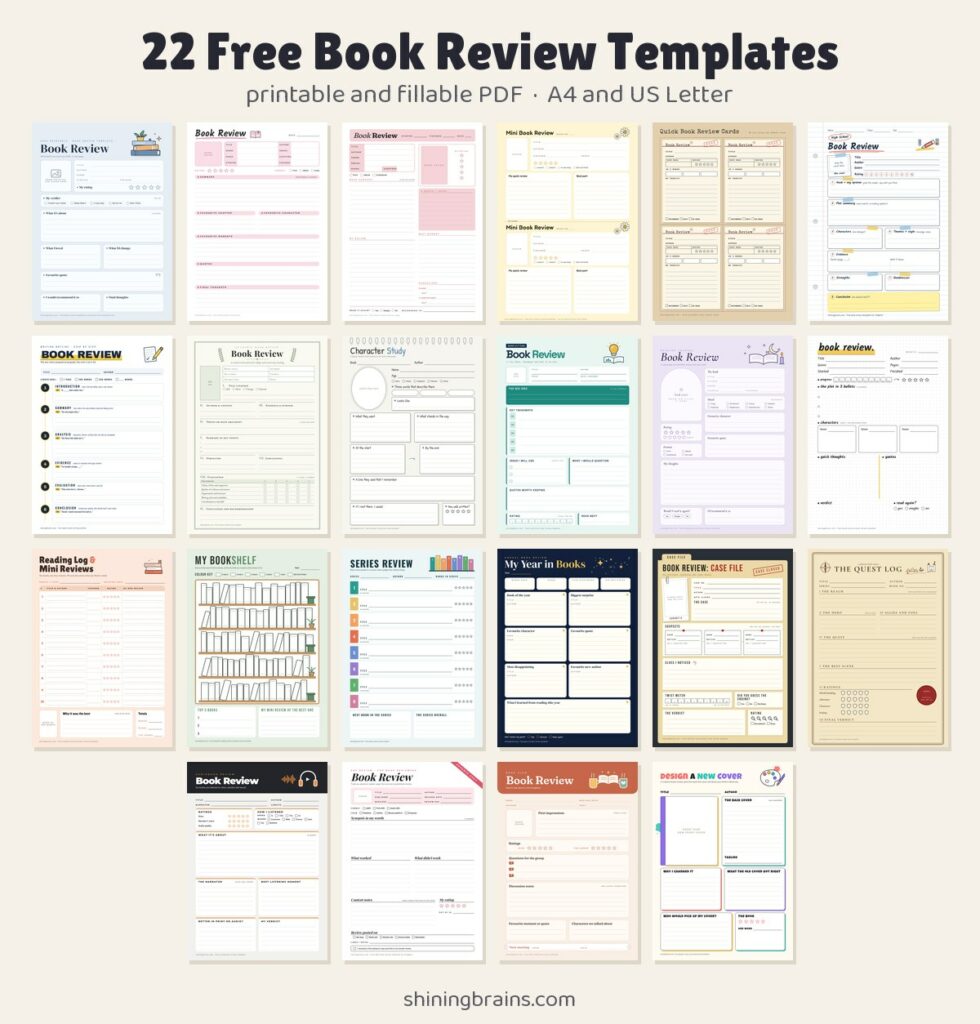
Are you looking for an elegant and editable book review template? This book review template collection has everything from simple one-page review to an academic college form. For example, Every template is a fillable PDF. So you can type into it on a computer, or print it and write by hand.
Looking to jump straight to the templates.
Table of contents
- What is a book review?
- What makes a good book review
- Tips for writing a better review
- How to write a book review in 6 steps
- Two filled-in examples
- Adjectives for a book review
- Common mistakes to avoid
- How our templates help
- Which template to use
- Simple templates · For students · Reading journal pages · Genre and book club
- How to fill in a template on a computer
- Printing tips
- Templates for younger kids
What is a Book Review and Book Report?
A book review is a short piece of writing that tells people what a book is about and what you thought of it. It gives an honest opinion and backs it up with reasons and examples, without giving away the ending.
A book report is a little different. A report mostly retells the story, while a review judges it. So a report answers “what happened?”, and a review answers “was it worth reading, and why?”
A book review template is a printable page with a heading and a prompt for each part of a review. For example, it has space for the title, a short summary, a rating and your opinion. It works like a checklist, so nothing important gets left out.
What Makes a Good Book Review?
- A clear opinion, early. Readers should know in the first lines whether you liked the book.
- Reasons for every opinion. The best reasons point to a scene, a character or a quote.
- A short summary with no spoilers. Give enough to set the scene, but keep the ending secret.
- Specific words. “Gripping” or “slow in the middle” says more than “good” or “boring”.
- Balance. Even a favourite book has a weak spot, and naming it makes your review easier to trust.
- The right reader. A good review ends by saying who would enjoy the book.
Tips for Writing a Better Book Review
These tips work on any book review template, or even on a blank page.
- Jot down page or chapter numbers while you read. Then your favourite quotes are easy to find later.
- Write the review soon after you finish, while your feelings about the book are still fresh.
- Talk about the story in the present tense, for example “Anne arrives” rather than “Anne arrived”.
- Keep it short. For most books, a few clear paragraphs are better than a long retelling.
- Finally, read it aloud and cut any sentence that repeats an earlier one.
How to Write a Book Review in 6 Steps
Most of our pages follow these steps, so a book review template keeps you on track.
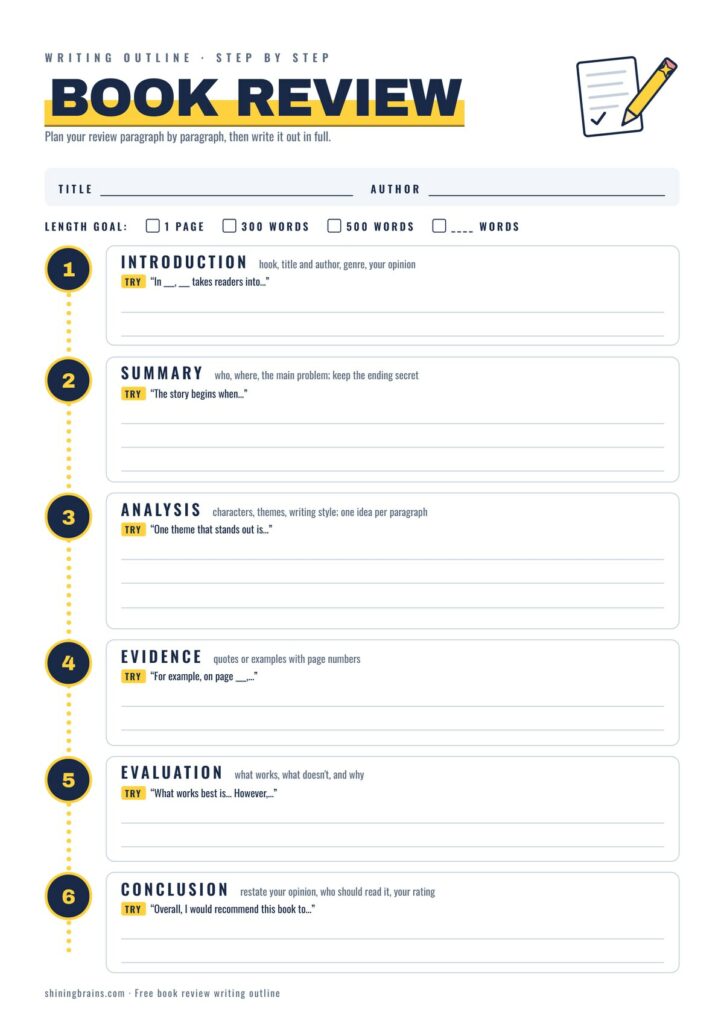
- Start with a hook and your overall opinion in one or two sentences.
- Then sum up the setting and the main problem, but keep the ending secret.
- Next, talk about the characters, the main theme and the writing style.
- Also back up each point with a short quote or an example from the book.
- Say what worked and what didn’t, because an honest review is more useful.
- Finally, finish with who should read it and your rating.
For more detail, the University of North Carolina Writing Center has a longer guide to writing book reviews.
Book Review Template Examples
Here are two book review examples, each written on a book review template from this page. Both books are classics that you can read for free on Project Gutenberg.
Example 1: Black Beauty on the Simple Template
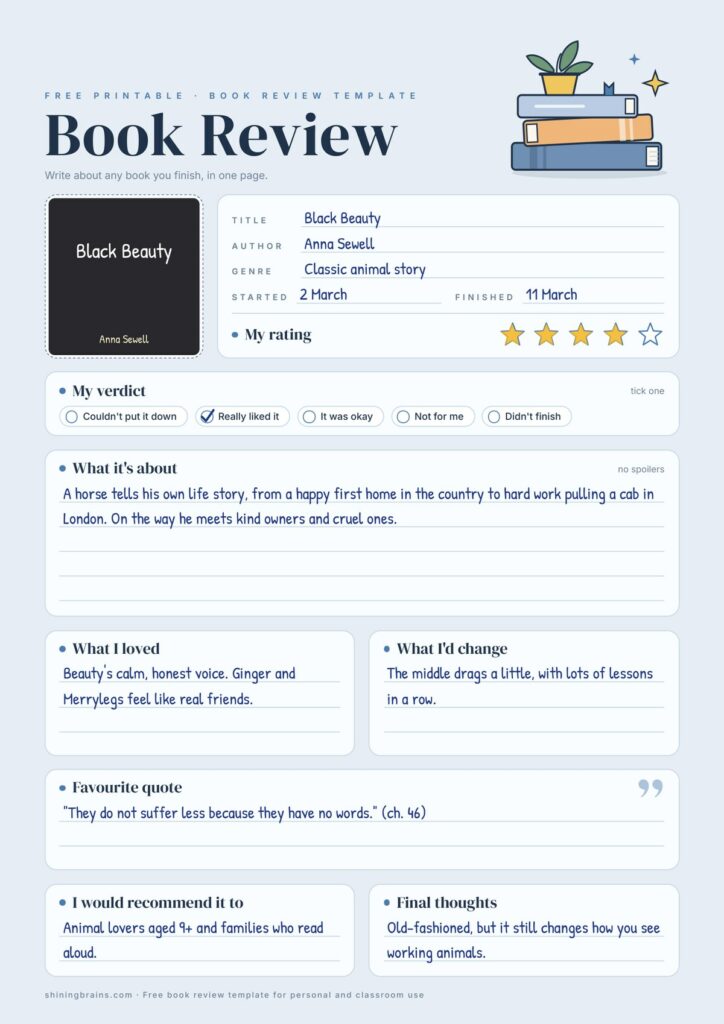
This review of Black Beauty by Anna Sewell works because the summary sets up the story in two sentences and keeps the ending secret. The reviewer also names one weakness, and the quote has a chapter number, so anyone can find it.
Example 2: Anne of Green Gables on the High School Template
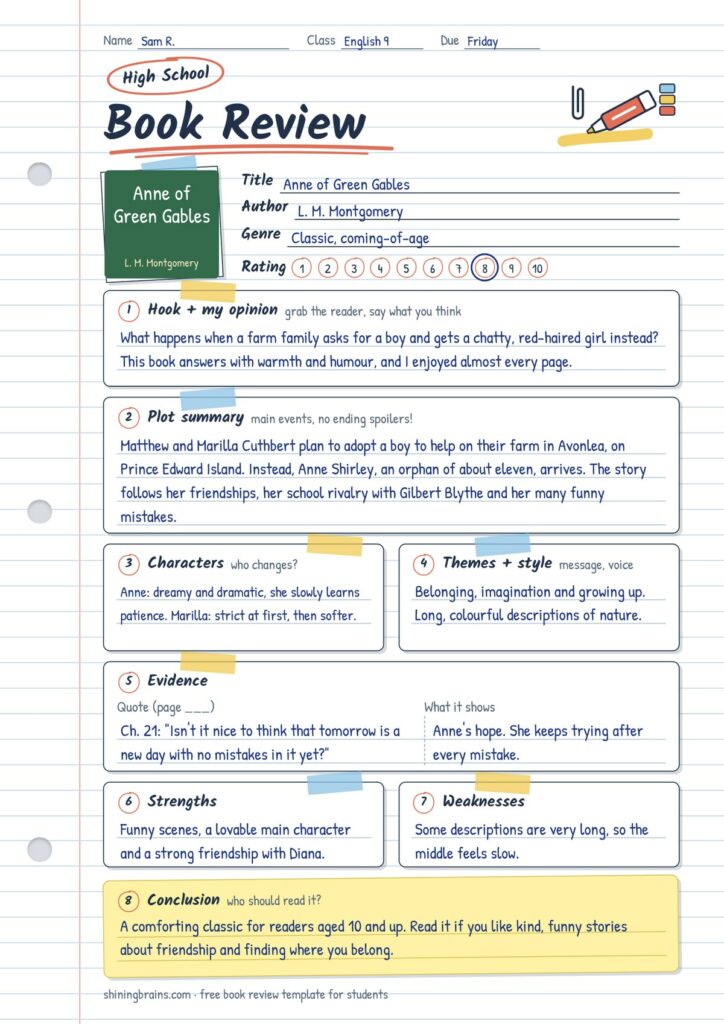
This student review of Anne of Green Gables by L. M. Montgomery opens with a question, then gives an opinion straight away. Each step stays short, and the evidence box links a quote to a point about Anne. As a result, it is easy to turn into a full essay.
Adjectives for a Book Review
Strong adjectives make a review sound sure of itself. However, choose words that match a real moment in the book, not just words that sound impressive.
| To describe | Positive words | Negative or mixed words |
|---|---|---|
| The plot | gripping, fast-paced, surprising, well-paced | predictable, slow, confusing, rushed |
| The characters | believable, likeable, complex, memorable | flat, annoying, one-sided, forgettable |
| The writing | vivid, witty, lyrical, clear | wordy, clunky, repetitive, dry |
| The mood | heartwarming, tense, cosy, hopeful | gloomy, bleak, dull, heavy |
| The ending | satisfying, moving, clever, unexpected | abrupt, rushed, disappointing, unclear |
How to Use Adjectives in a Book Review
- Pair each adjective with proof. For example: “The plot is gripping, because every chapter ends with a new problem.”
- Swap tired words. Instead of “good”, try “heartwarming” or “clever”, and instead of “boring”, say what dragged.
- Use one or two adjectives in a sentence, not a long list. Otherwise the review starts to sound like a blurb.
- Mix words for a balanced view, such as “slow at first but rewarding”.
Common Book Review Mistakes to Avoid
- Retelling the whole plot. Keep the summary to a few sentences.
- Giving away the ending. Spoilers ruin the book for the next reader.
- Opinions with no reasons. “I liked it” tells readers very little on its own.
- Copying the blurb. Use your own words, even for the summary.
- Forgetting the basics. Always include the title and the author’s name.
- Only listing problems. Name what works too, so the review stays fair.
A book review template helps you avoid most of these, because each box asks for just one part.
How Our Book Review Templates Help
Each book review template on this page turns these tips into boxes to fill in. For example:
- Many summary boxes carry a “no spoilers” reminder.
- Stars, scores and tick-box verdicts make your opinion clear at a glance.
- The evidence boxes on the student pages ask for a page number, so quotes are easy to check.
- Prompts such as “What I’d change” and “Weaknesses” keep the review balanced.
- Every page is a fillable PDF, so you can type, save and print it.
Which Book Review Template Should I Use?
- Any book, quick and simple: Simple, Classic Form or Mini.
- A reading planner or binder: the Planner Page, which also comes in A5 and Half Letter.
- School or university: High School, Writing Outline or College.
- A reading journal: Reading Journal, Bullet Journal or Reading Log.
- One kind of book: Mystery, Fantasy, Audiobook, ARC or Book Club.
Simple Book Review Templates for Any Book
Start here if you want one book review template that works for any book, novel or reader.
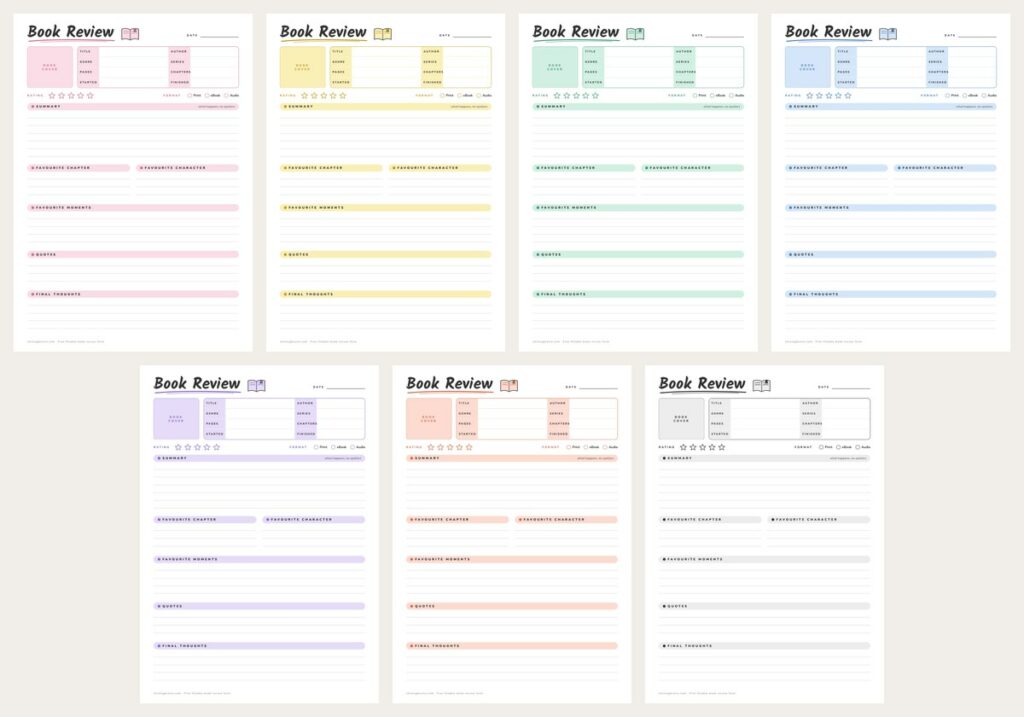
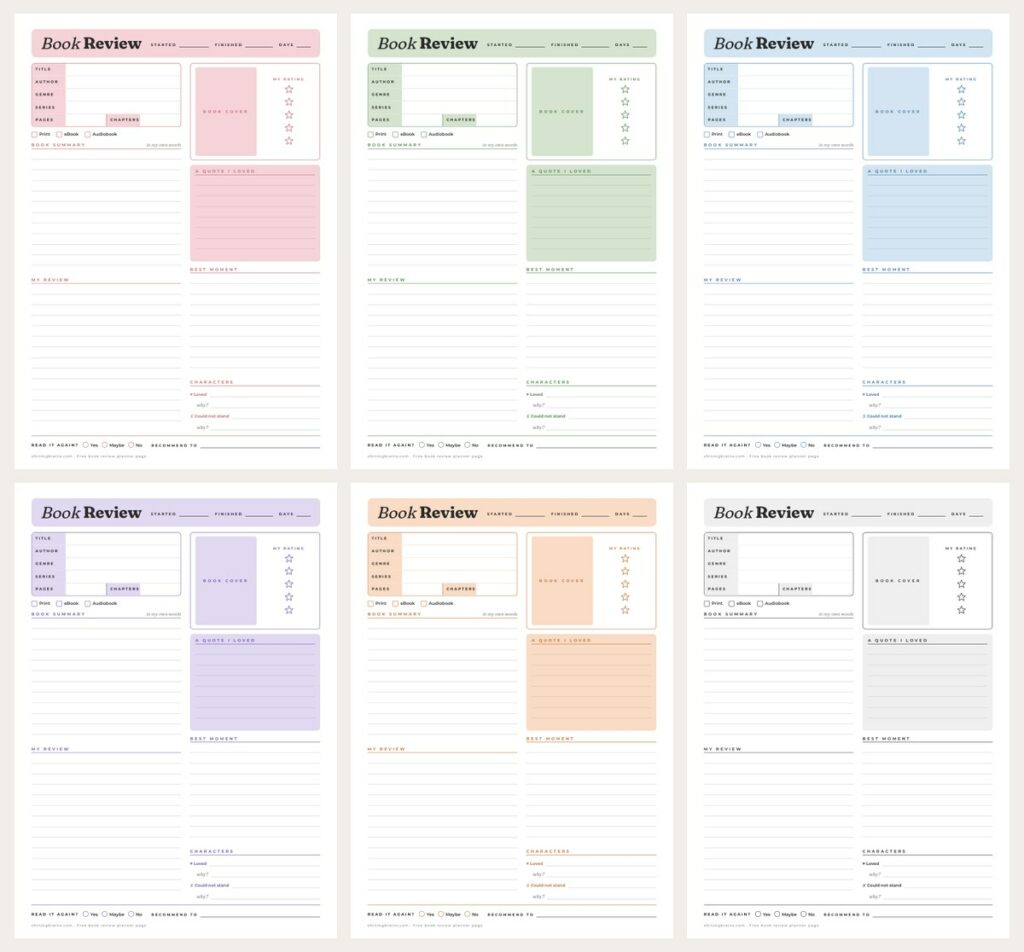
The Classic Form and the Planner Page also come in several colours. Each PDF has every colour on its own page, so you can print the one you like.
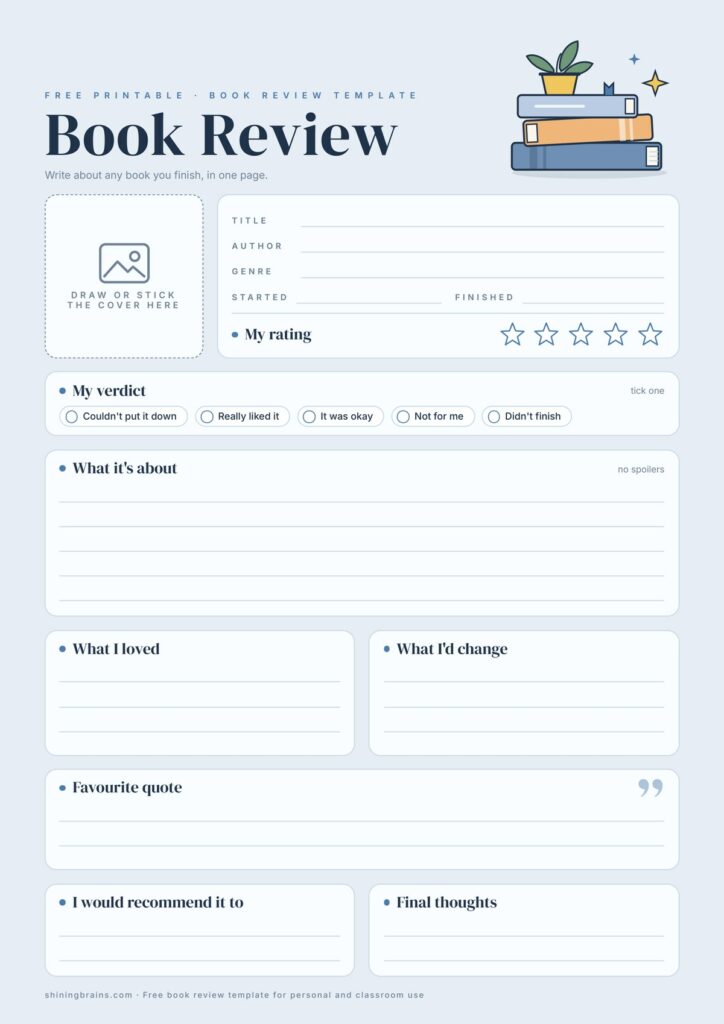
Simple Book Review
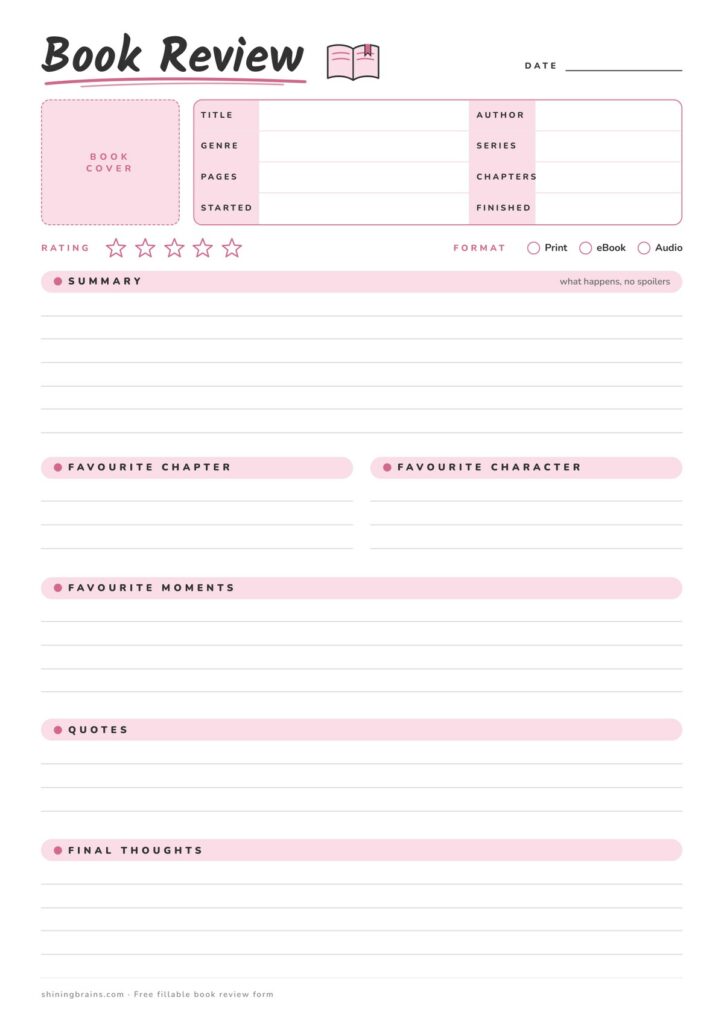
Classic Book Review Form (7 colours)
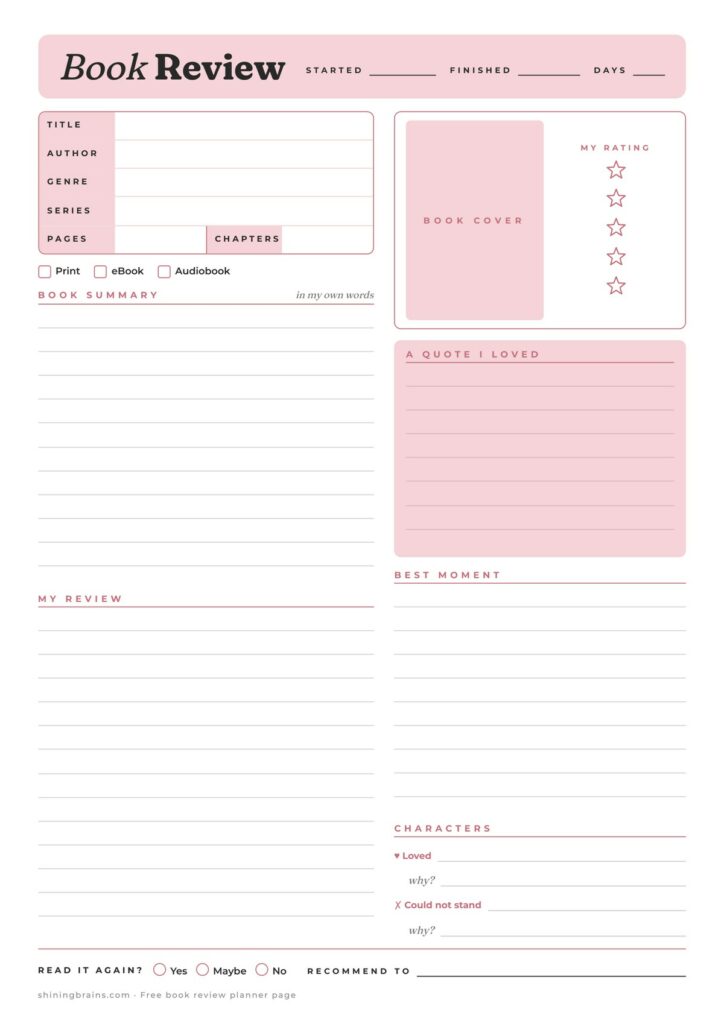
Book Review Planner Page (6 colours)
Book Review Templates for Students
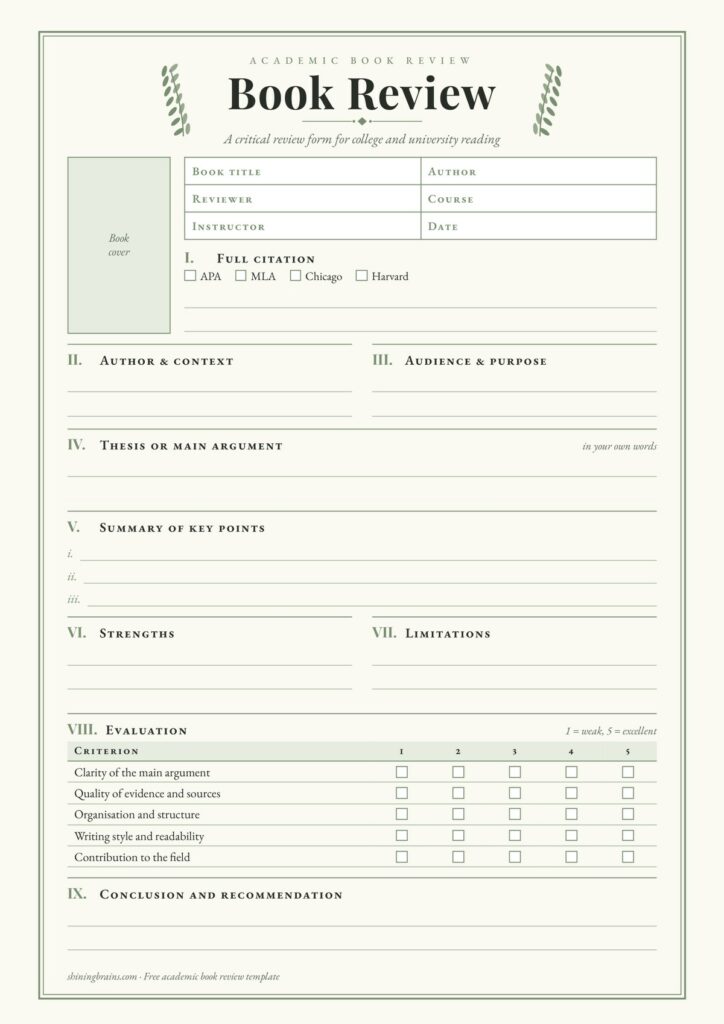
Each book review template here follows the parts a teacher marks. So they help with school and university reviews.
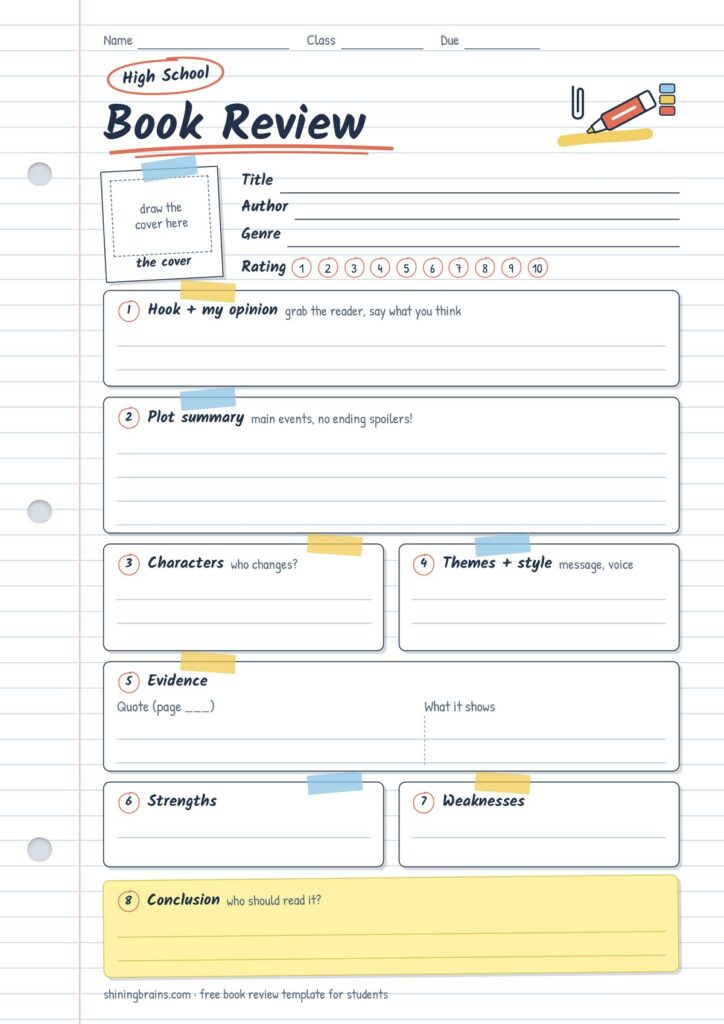
High School Book Review
College Book Review (Academic)
Reading Journal Pages and Trackers
For readers who like to keep a record. Print a book review template for each book, then hole-punch the pages to build a reading journal.
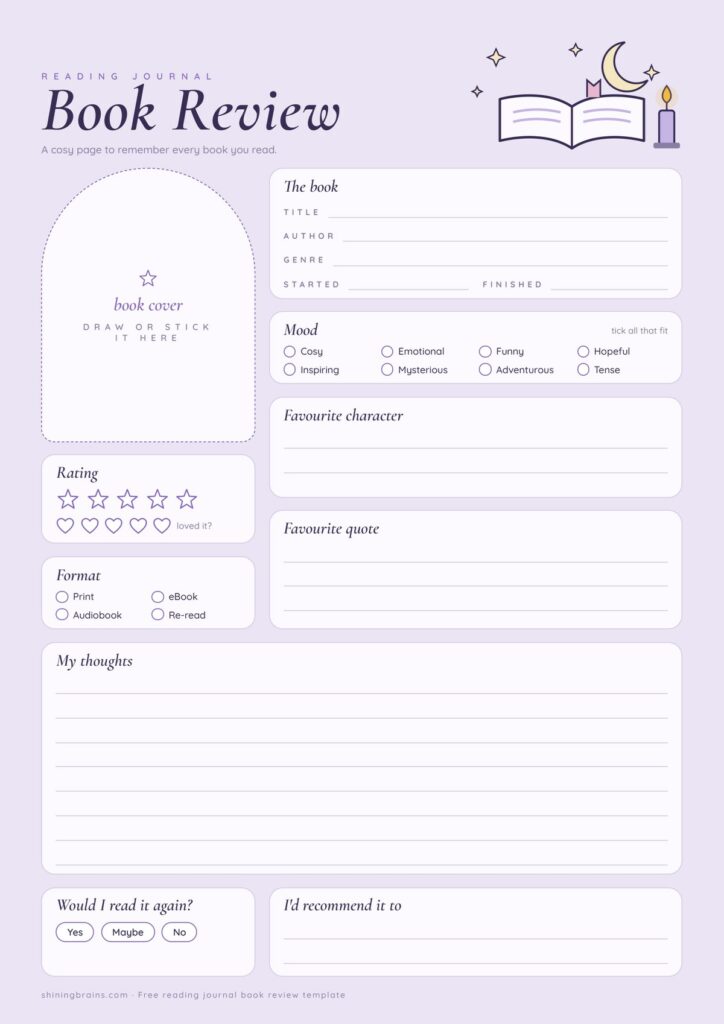
Reading Journal Page
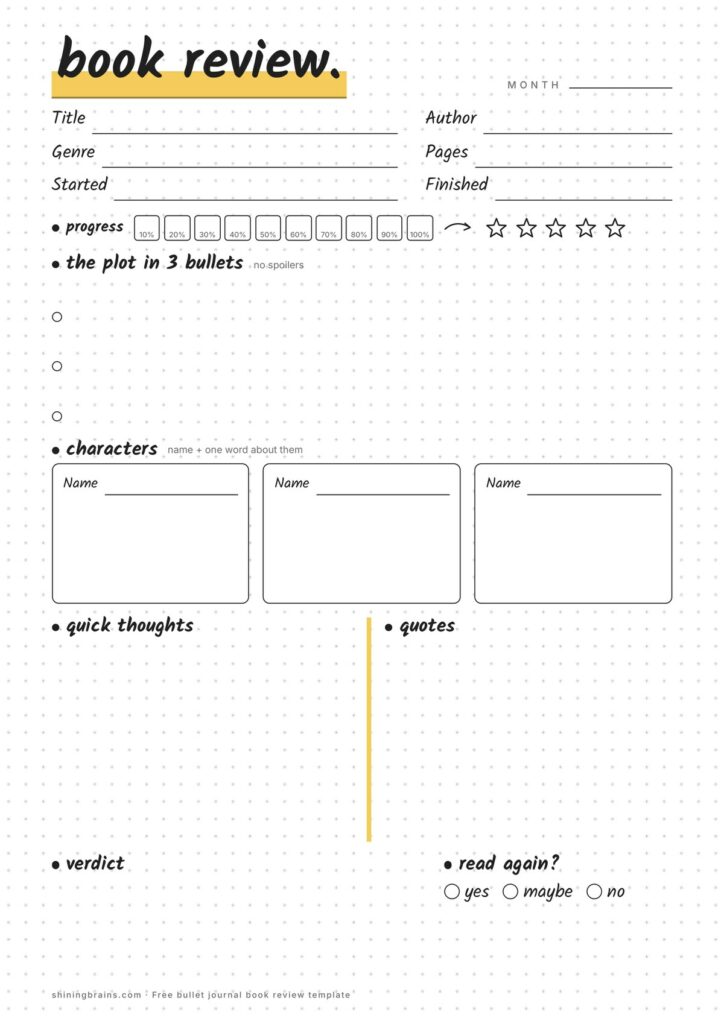
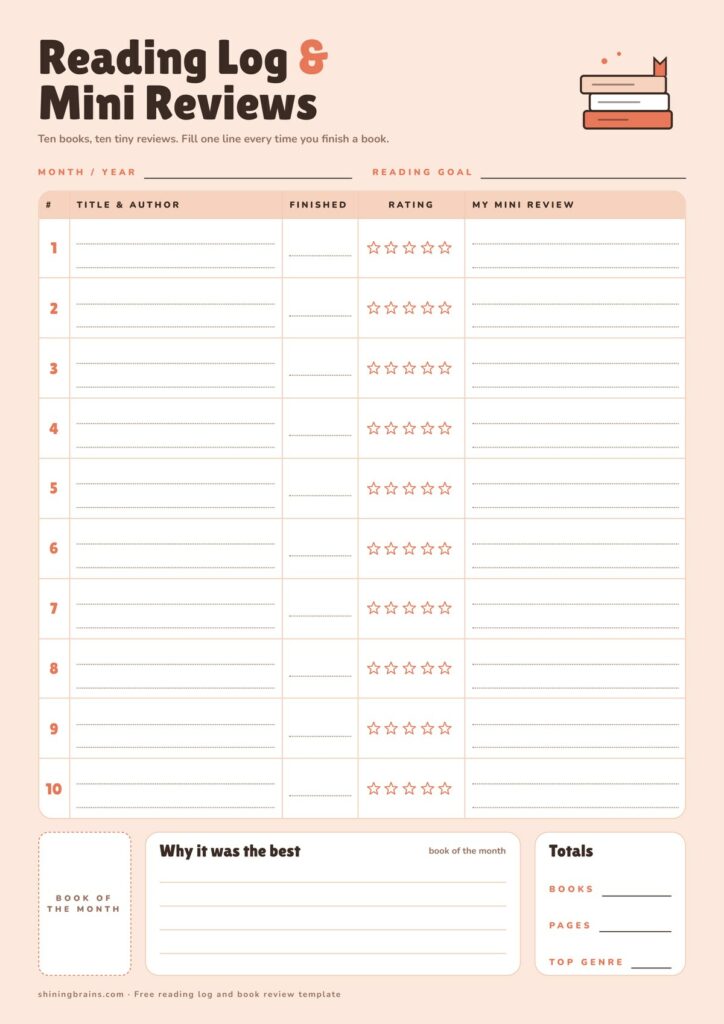
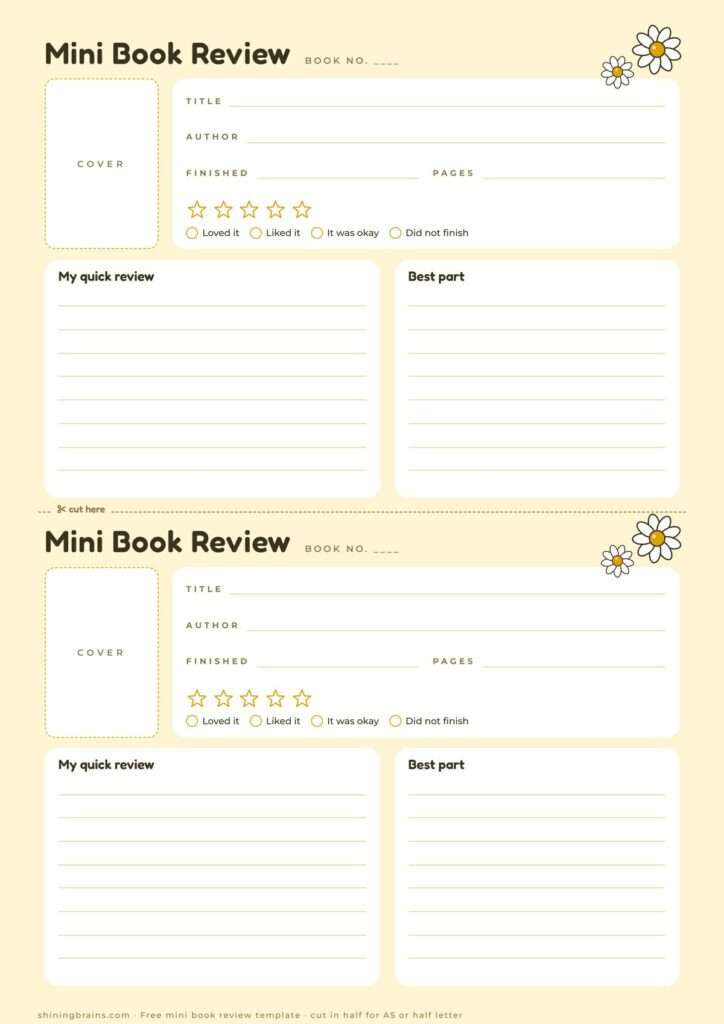
Reading Log and Mini Reviews
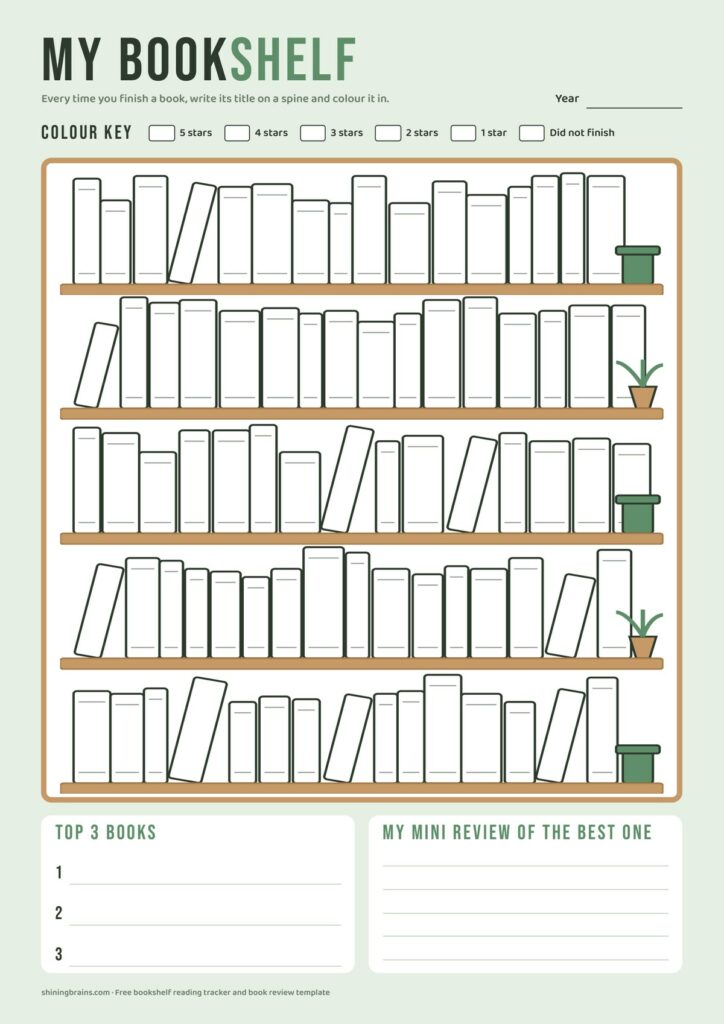
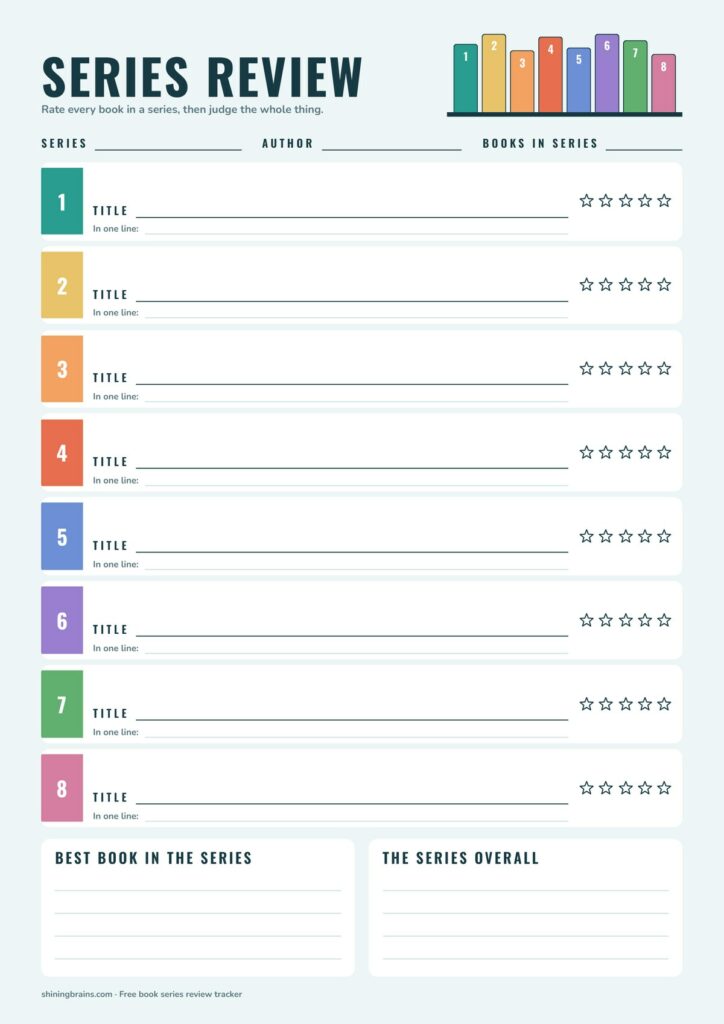
Book Series Review Tracker
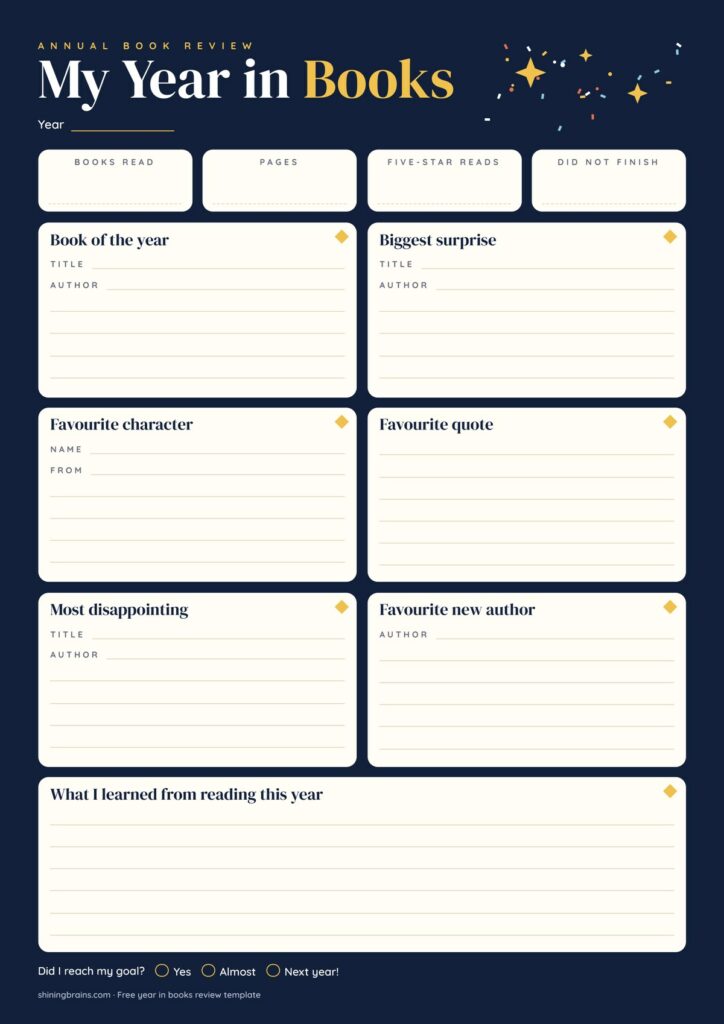
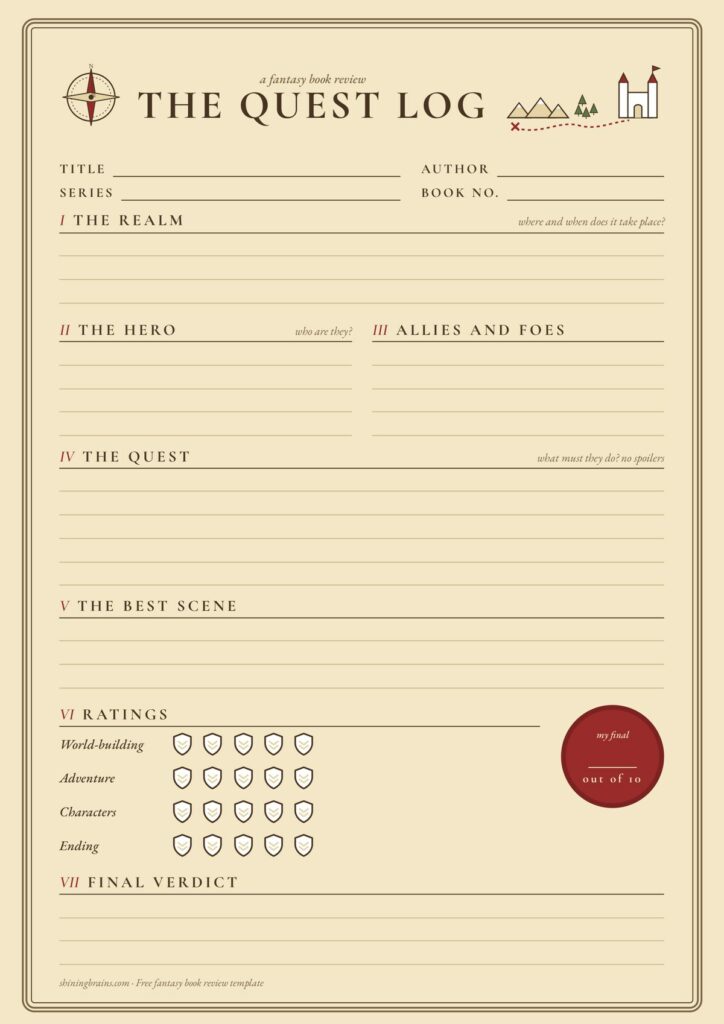
Genre, Book Club and Audiobook Reviews
Each book review template here fits one kind of book or one way of reading. That way, the questions match what you just read.
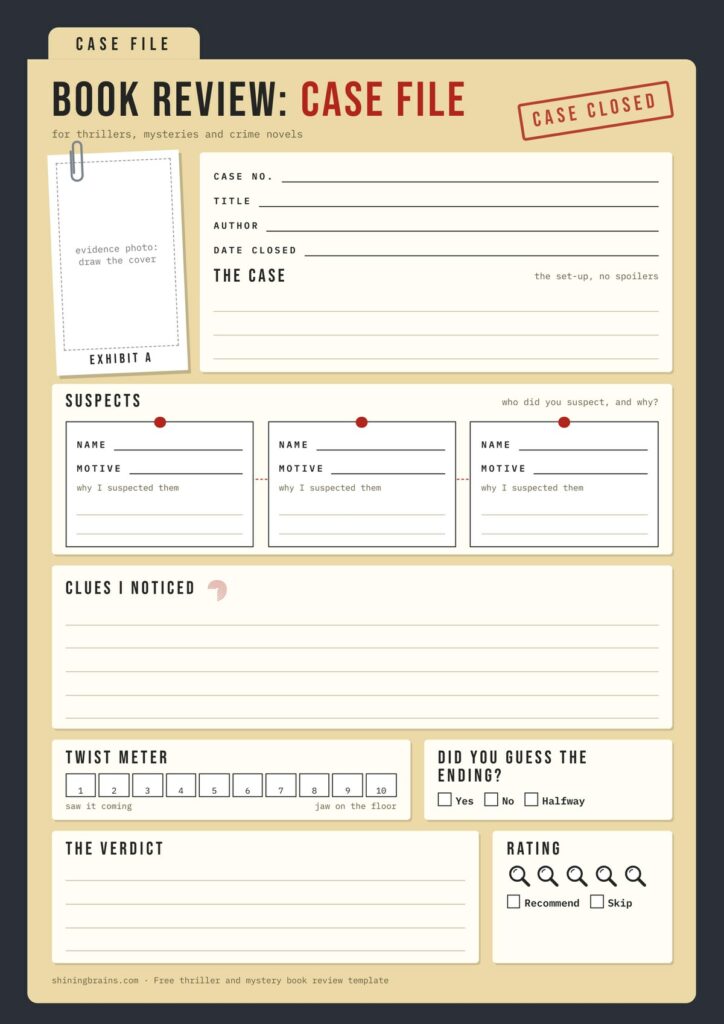
Mystery and Thriller Case File
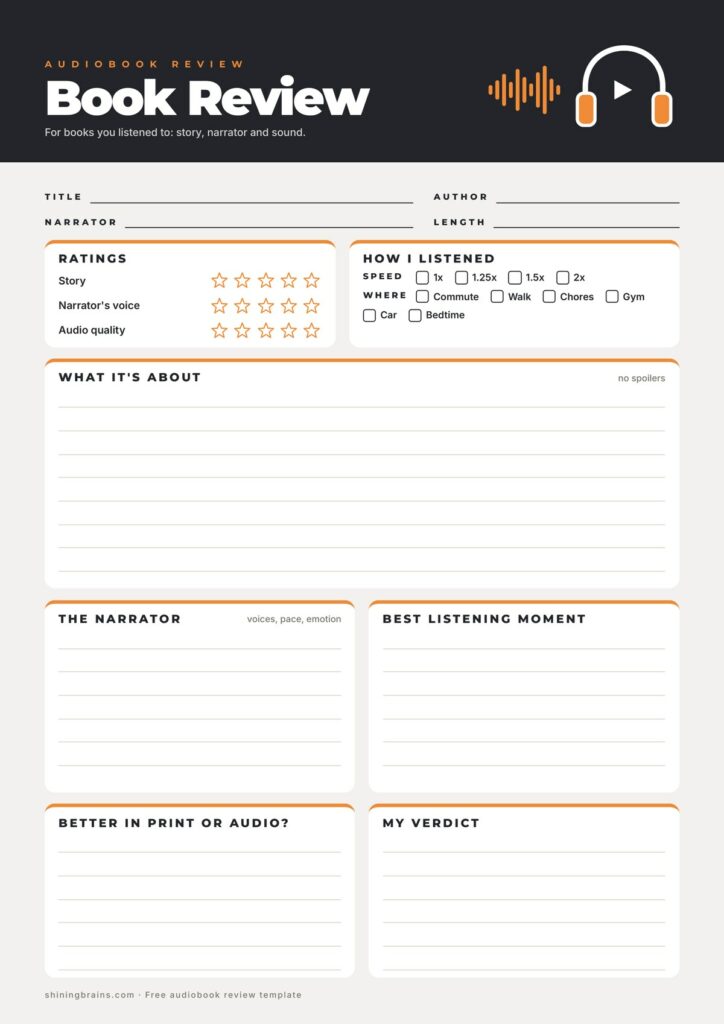
Audiobook Review
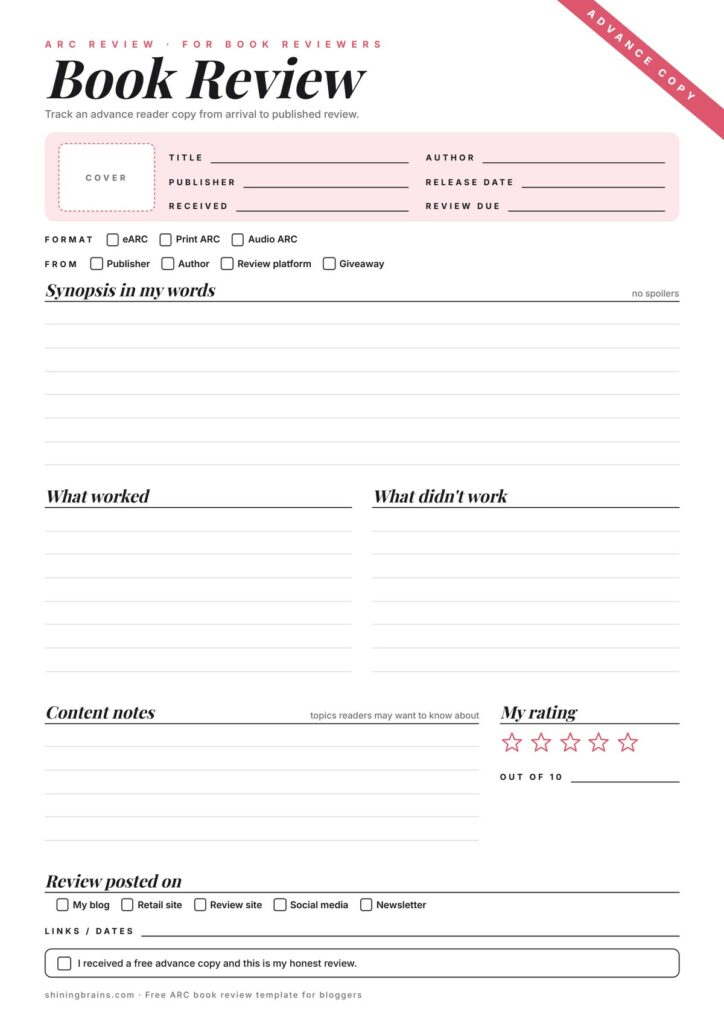
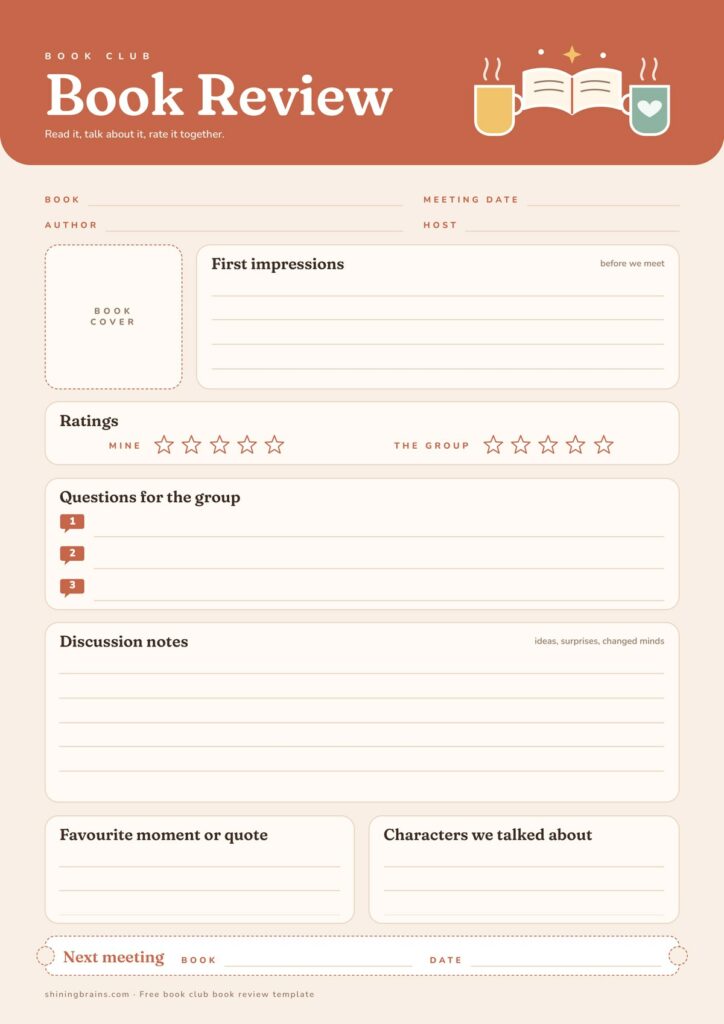
Book Club Review
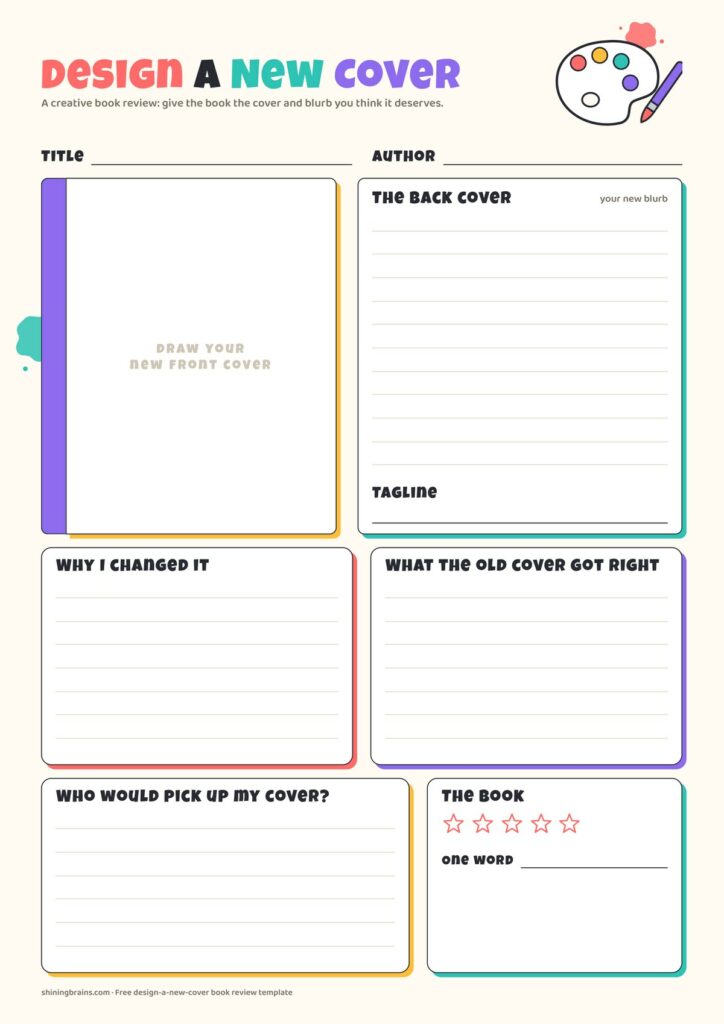
How to Fill In a Book Review Template on a Computer
- First, download the PDF and open it in the free Adobe Acrobat Reader, or in Chrome or Edge.
- Next, click a line or box and type. The text fits the space, and longer boxes wrap onto the next line.
- Then click a star, a heart or a tick box to mark it.
- Finally, save the file. After that, you can print it, email it or keep it in a folder.
On a tablet, you can also open the PDF in a notes app and write on it with a pen. However, some apps ignore typing boxes, so test one page first.
Printing Tips
- Every template comes in A4 and US Letter, so choose the size you use at home or school.
- The Planner Page and the Classic Form also come in A5 and Half Letter for small binders and planners.
- Those two PDFs have one page per colour, so print only the page you want, or all of them.
- If you want to save ink, then print the black and white page of the Classic Form or the ink saver page of the Planner.
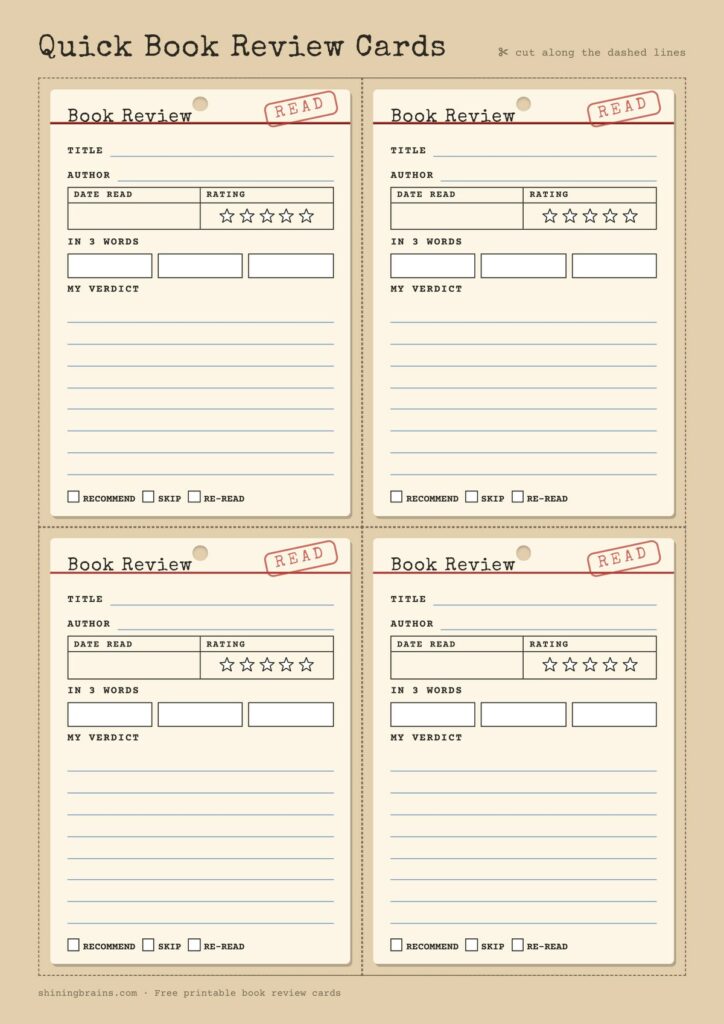
- The Mini Book Review prints two to a page, and the Quick Cards print four. Then cut along the dashed lines.
Book Review Templates for Younger Kids
Overall, these pages suit teens and adults best. For children aged 5 to 14, try our book review sheets for kids by age, or the book report pages for KS1, KS2 and KS3. You can also read how to write a book report with your child.
All 22 templates are also free for personal and classroom use. If you share them, please share a link to this page.